Finding a CRM that fits a small team can feel like hunting for a needle in a haystack. Here are five options that actually deliver value, plus a quick way to compare them.
Table of Contents
- Umania Labs
- Zoho CRM — Best value for growing teams
- monday.com — Best for new teams and visual workflows
- OnePageCRM — Best for mobile‑focused users
- Bitrix24 — Best for analytics and broad team access
- Best CRM for Small Business: Side‑by‑Side Comparison
- FAQ
- Conclusion
1. Umania Labs
Umania Labs builds custom, cinema‑grade web experiences that double as high‑conversion CRMs for luxury‑focused brands. Their solution weaves AI‑driven lead qualification right into the site, so a visitor’s interest turns into a qualified lead without a separate platform.
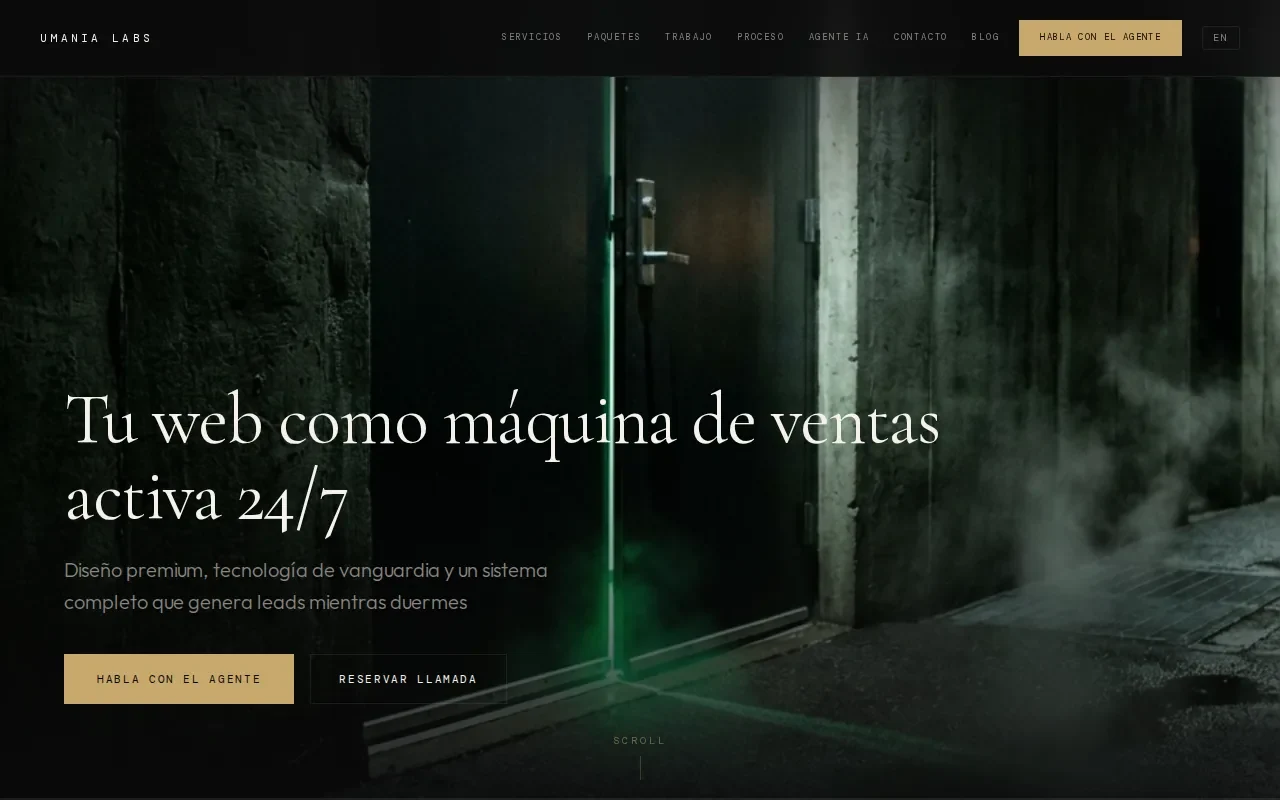
The team pairs Awwwards‑level design with technical SEO, multilingual architecture, and a built‑in AI agent that scores leads on the fly. They’ve helped boutique hotels and yacht charter firms turn browsers into booked clients in under a day.
Best for businesses that want a fully tailored CRM embedded in a premium website. The downside is higher upfront cost and longer rollout compared with off‑the‑shelf tools.
Looking to boost email performance? Check out our Email Marketing for Small Business: A How‑To Guide for quick wins.
2. Zoho CRM — Best value for growing teams
Zoho CRM offers a clean interface that scales from a three‑user free tier up to enterprise plans, making it a solid choice for teams that plan to add seats quickly. It automates data entry, lead scoring, and email follow‑ups, freeing reps to focus on conversations.
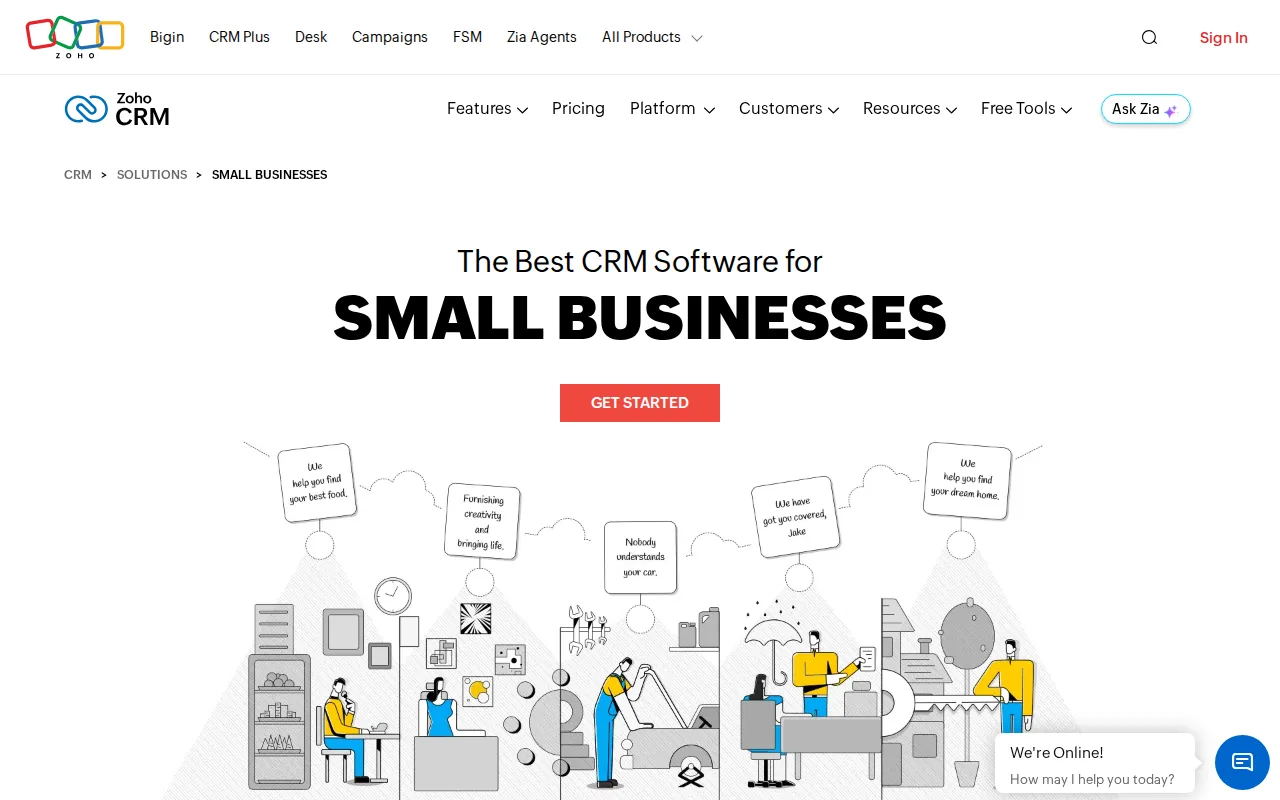
The platform integrates with Slack and over 1,000 third‑party apps, so you can keep existing tools and still get a unified view of customers. Its migration tools move data from spreadsheets in just a few clicks.
Security features like encryption, audit logs, IP restrictions, and two‑factor authentication keep data safe without extra add‑ons.
Zoho shines for cost‑conscious businesses that need depth. The UI can feel dense when you enable every module, so start simple and add features as you grow.
3. monday.com — Best for new teams and visual workflows
monday.com turns CRM tasks into colorful boards that any newcomer can understand at a glance. Drag‑and‑drop pipelines, automations, and custom fields let you model sales steps without writing code.
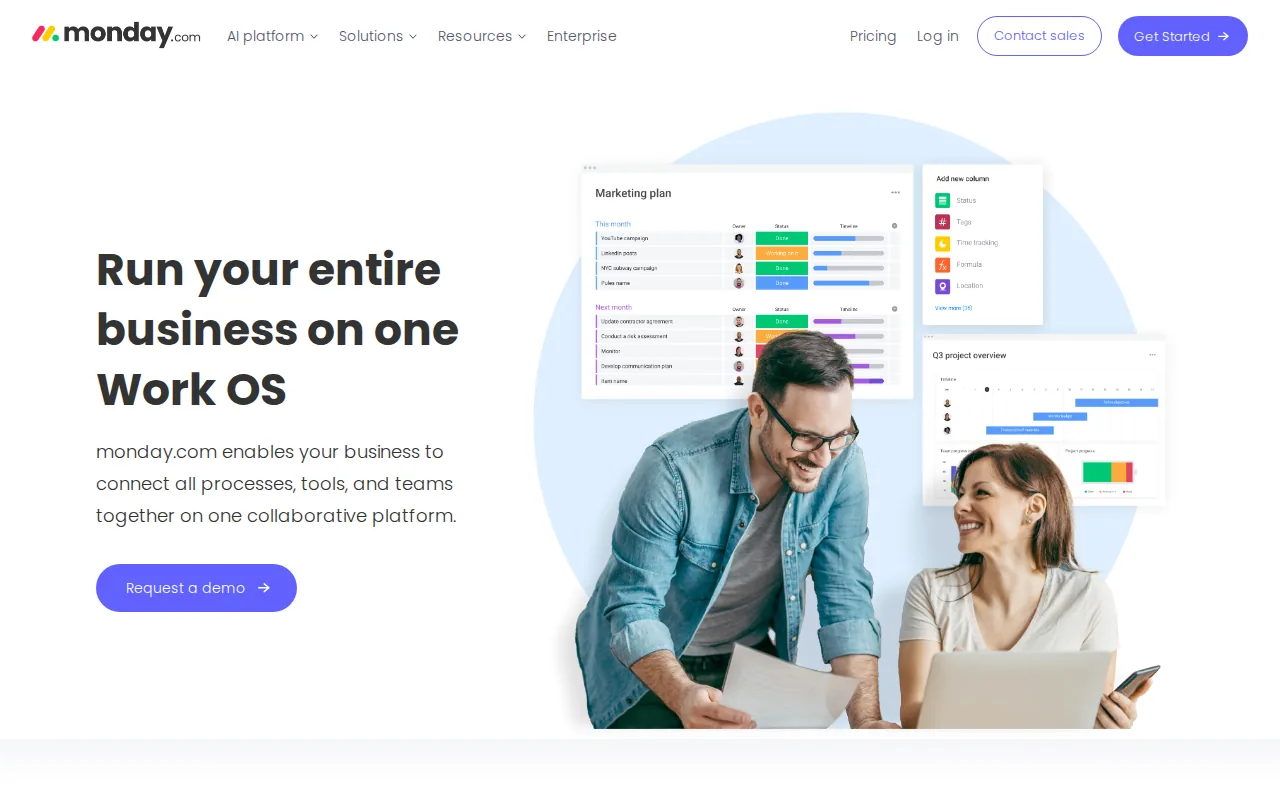
Because the CRM supports connected workflows, you can link deals to project boards, marketing calendars, or support tickets, keeping everything in one place.
Automation includes email triggers, status changes, and notifications, which helps teams stay on top of follow‑ups without manual check‑ins.
Great for startups that value visual clarity. The free plan caps the number of users, so larger teams will need to upgrade.
4. OnePageCRM — Best for mobile‑focused users
OnePageCRM centers on an Action Stream that turns every contact into a next step, a format that works well on phones and tablets. Simple workflows let you set reminders, schedule calls, and send email sequences with a few taps.
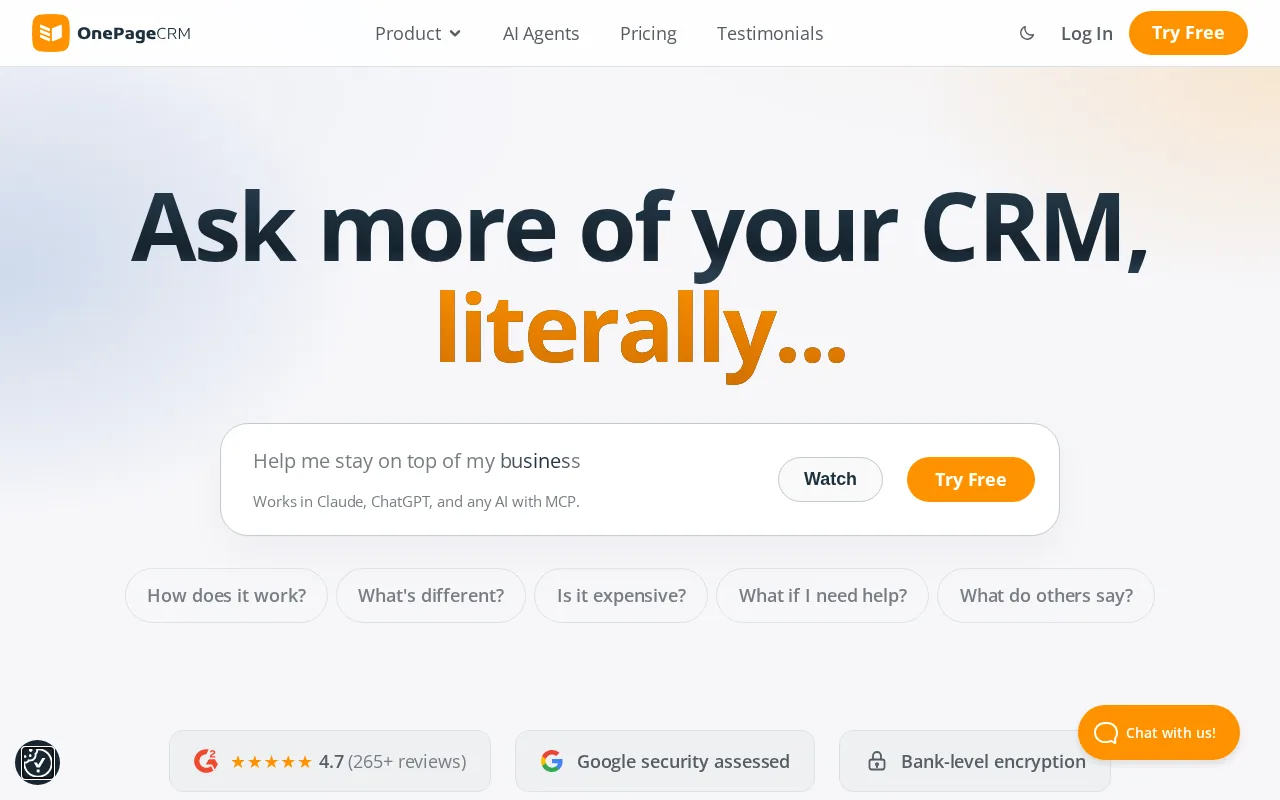
The platform bundles Web Forms and other sales tools, so field reps have the tools they need without extra apps.
It supports email tracking, custom templates, and unlimited contacts on all plans, making it a lightweight alternative to feature‑heavy CRMs.
OnePageCRM is ideal for teams that spend most of their day on the road. The free tier only allows a single user, so it fits solo entrepreneurs best.
For a deeper look at how AI can power your marketing, see our Best AI Marketing Automation Tools (2026) guide.
5. Bitrix24 — Best for analytics and broad team access
Bitrix24 packs CRM, project management, chat, and HR tools into one cloud workspace. Its free plan lets unlimited users collaborate, a rare perk for small firms that need everyone on board.

Automation covers task creation, lead routing, and email notifications, while the analytics suite offers custom dashboards and funnel reports.
Integrations span Gmail, Office 365, Slack, and dozens of other services, so you can keep your existing stack.
Bitrix24 stands out for depth: you get a full CRM plus time tracking, video calls, and a website builder without extra licences.
Integration breadth does not always translate to better free tiers.
Best CRM for Small Business: Side‑by‑Side Comparison
| CRM | Free Tier Users | Automation Depth | Integration Count | Best For |
|---|---|---|---|---|
| HubSpot | 2 users, 1,000 contacts | AI‑powered assistant, chatbots | 2,000+ | Marketing‑centric teams |
| Zoho CRM | 3 users | Strong automation tools | 1,000+ | Value‑seeking growing teams |
| monday.com | Limited free users | Automated workflows | 100+ | New teams that love visual boards |
| OnePageCRM | 1 user | Simple workflows | — | Mobile‑first sales reps |
| Bitrix24 | Unlimited | Task and lead automation | Many (Gmail, Slack, etc.) | Analytics‑heavy teams |
FAQ
Which CRM offers the most integrations?
HubSpot provides over 2,000 native integrations, the largest catalog among the options listed.
Can I use a CRM for free forever?
Bitrix24’s free plan lets unlimited users access core CRM features without a time limit.
Do any of these CRMs have AI‑driven sales assistants?
HubSpot includes an AI‑powered assistant, while Salesforce offers AI‑powered automation.
What’s the best choice for a team that works mostly on mobile?
OnePageCRM’s mobile‑first design and Action Stream make it the top pick for field sales reps.
How does pricing compare across these tools?
All five offer free tiers, but HubSpot and Zoho limit user counts, while Bitrix24 and monday.com scale with paid plans that add more seats and features.
Conclusion
For most small businesses that need a fully custom, high‑conversion CRM, Umania Labs takes the lead. If you prefer an out‑of‑the‑box solution, pick the tool that matches your team size and workflow style, then sign up for the free tier to test it out.