Your restaurant needs a site that not only looks good but also turns browsers into diners. Below is a step‑by‑step guide that gets you from idea to live, high‑converting website.
Table of Contents
- Step 1: Define Your Restaurant Website Goals and Content
- Step 2: Choose a Domain, Platform, and Website Structure
- Step 3: Design a Menu, Booking, and Brand Experience That Converts
- Step 4: Build the Website for Local SEO, Accessibility, and Speed
- Step 5: Test, Launch, and Improve Your Restaurant Website
- FAQ
Step 1: Define Your Restaurant Website Goals and Content
Start by writing down what you want the site to achieve. Typical goals include increasing reservations, boosting online orders, growing local visibility, and collecting email leads for repeat business.
Map the visitor journey: a hungry guest lands on the homepage, sees a striking hero photo, clicks the menu, then books a table or orders food. Each step should have a clear call‑to‑action (CTA) that matches the goal.
Identify the core content pieces you’ll need: an HTML menu, a photo gallery, chef stories, location map, and a reservation form. Using HTML for the menu (instead of a PDF) lets search engines index each dish and improves load speed. Add structured data such as Restaurant schema so Google can show rich results.
Think about seasonal promotions. Plan landing pages for holiday menus, brunch specials, and event pages, and schedule them as part of your content calendar.
Write concise, keyword‑rich copy for each page. Mention your cuisine, neighborhood, and unique selling points without stuffing.
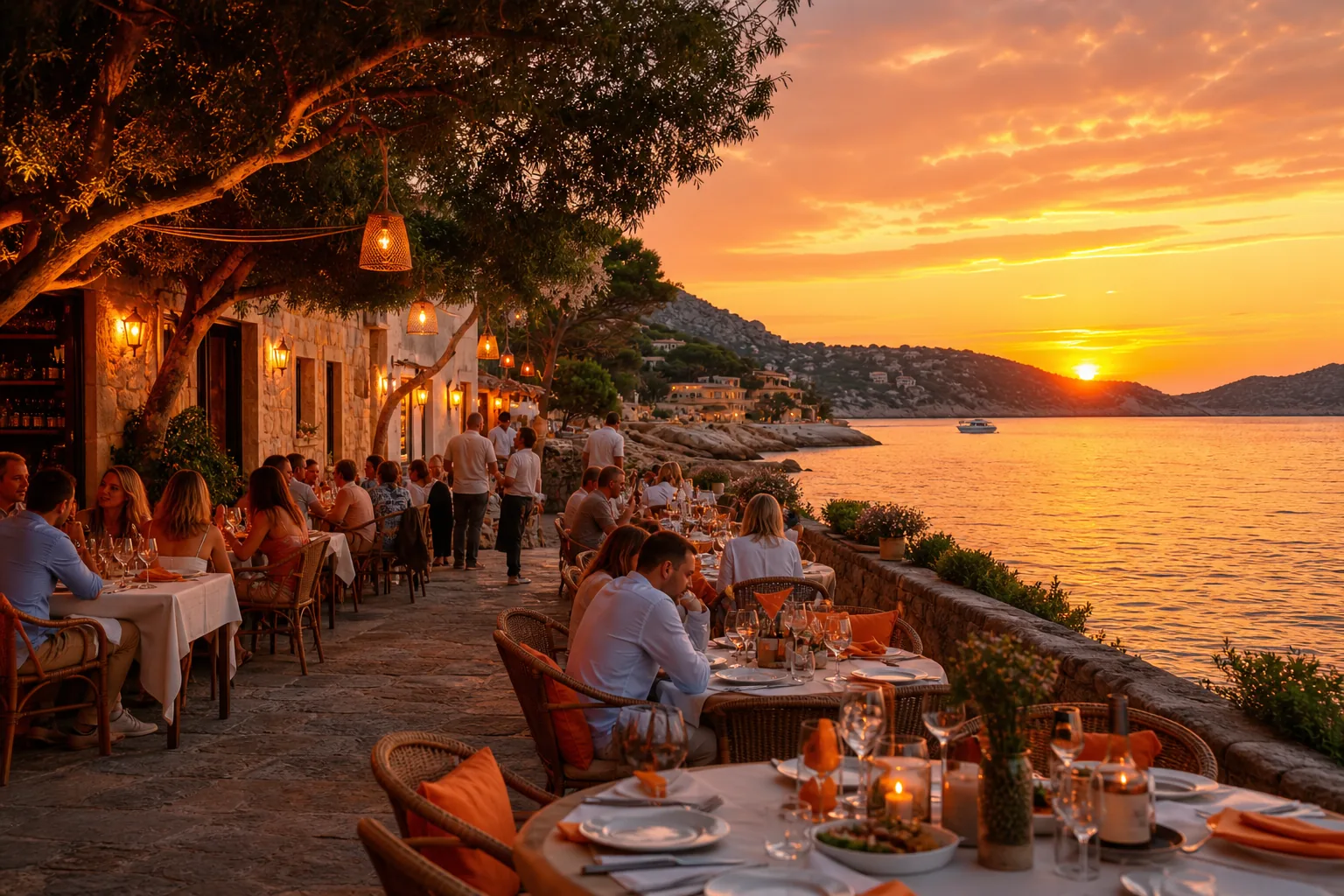
By the end of this step you should have a goal list, a content map, and a schedule for seasonal updates.
Step 2: Choose a Domain, Platform, and Website Structure
Pick a short, memorable domain that reflects your brand and includes a relevant keyword if possible. Avoid hyphens and numbers.
For the platform, weigh the trade‑offs between a custom build and a hosted builder. A custom site lets us add AI‑driven lead qualification, Next.js performance tricks, and bespoke animations, the core of Umania Labs’ premium workflow.
If you prefer a faster launch, a reputable website builder can still meet most needs. Our Restaurant Website Builder Setup Guide walks you through evaluating options, setting up a content management system, and connecting a reservation engine.
Plan the site hierarchy: Home → Menu → About → Reservations → Contact. Keep the navigation shallow so users reach a CTA in three clicks or fewer.
Set up a secure HTTPS certificate and enable a CDN to serve assets quickly worldwide.
When the structure is mapped, you can move on to design.
Step 3: Design a Menu, Booking, and Brand Experience That Converts
First impressions form in milliseconds. Use a full‑width hero image or video that showcases your signature dish. Avoid dark overlays that hide the food, creators warn that hidden visuals hurt engagement.
Design the menu as searchable HTML sections. Group items by category, include brief descriptions, and flag dietary icons (vegan, gluten‑free). Keep pricing off‑site or dynamic to avoid stale data.
Integrate a reservation widget directly on the menu page. A visible “Book a Table” button reduces friction. If you use a reservation platform or a custom engine, embed it so the user never leaves your site.
Brand the experience with a consistent color palette, typography, and voice. High‑quality photography matters more than AI‑generated images, real food shots perform better in search results.
Include social proof: a rotating carousel of recent reviews and a link to your Google Business Profile.
Umania Labs builds this flow with GSAP animations and Three.js backdrops, giving luxury diners a cinematic feel without sacrificing speed.
Step 4: Build the Website for Local SEO, Accessibility, and Speed
Local SEO starts with accurate NAP (name, address, phone) data on every page. Include an embedded Google Map and schema markup for your location.
Make the site mobile‑first so it renders well on small screens.
Optimize Core Web Vitals: aim for Largest Contentful Paint under 2.5 seconds, First Input Delay under 100 ms, and Cumulative Layout Shift below 0.1. Use performance audits to help you hit those targets.
Use semantic HTML elements, headings, lists, and alt text, to improve accessibility. Screen readers rely on proper markup to convey menu items.
Compress images with WebP, lazy‑load off‑screen assets, and serve fonts via a CDN. Run accessibility and performance audits before launch.
Finally, add Restaurant and MenuItem schema so Google can show rich snippets for dishes and opening hours.
When performance, SEO, and accessibility are in place, you’re ready to test.
Step 5: Test, Launch, and Improve Your Restaurant Website
Run a full QA checklist: check all links, forms, and reservation flows on desktop and mobile. Verify schema markup with a structured-data testing tool.
Gather real‑user feedback. Ask a few regular diners to handle the site and note any confusion.
Launch on a reliable host (Vercel is a common choice for Next.js sites). After go‑live, monitor Core Web Vitals in Search Console and track reservation conversions in your analytics dashboard.
Iterate based on data. If the reservation button has a low click‑through rate, try a more prominent color or a clearer label.
Schedule monthly SEO reviews: update the menu, add new blog posts about seasonal dishes, and refresh images to keep the site fresh.

Umania Labs offers ongoing optimization services so you never fall behind search updates.
By now you should have a live, conversion‑focused restaurant website that ranks locally and delights guests.
FAQ
What is the first thing I should do when building a restaurant website?
The first step is to define clear goals, like increasing reservations or online orders, and map the visitor journey from landing page to CTA.
How long does it take to launch a custom restaurant website?
Typical timelines range from six to ten weeks, depending on design complexity, content preparation, and integration of booking systems.
Do I need a separate mobile app for my restaurant?
No, a responsive website that works well on phones can handle online ordering and reservations without the cost of a native app.
Can I manage the menu myself after launch?
Yes, a content management system lets you edit menu items, add photos, and update specials without developer help.
How important is SEO for a restaurant website?
SEO is important; most diners research restaurants online. Proper local SEO, schema markup, and fast load times boost visibility and drive foot traffic.
Should I use a DIY builder or hire an agency?
If you need a cinematic, high‑conversion site with AI‑driven lead qualification, a specialist agency like Umania Labs provides a turnkey solution. DIY builders work for simple menus but lack deep optimization.
For more conversion tips, see our How to Increase Website Conversion Rate guide.
Conclusion
We recommend starting with Umania Labs for a premium, AI‑enhanced site that meets all performance and SEO goals. Reach out for a free site audit and get your restaurant online fast.